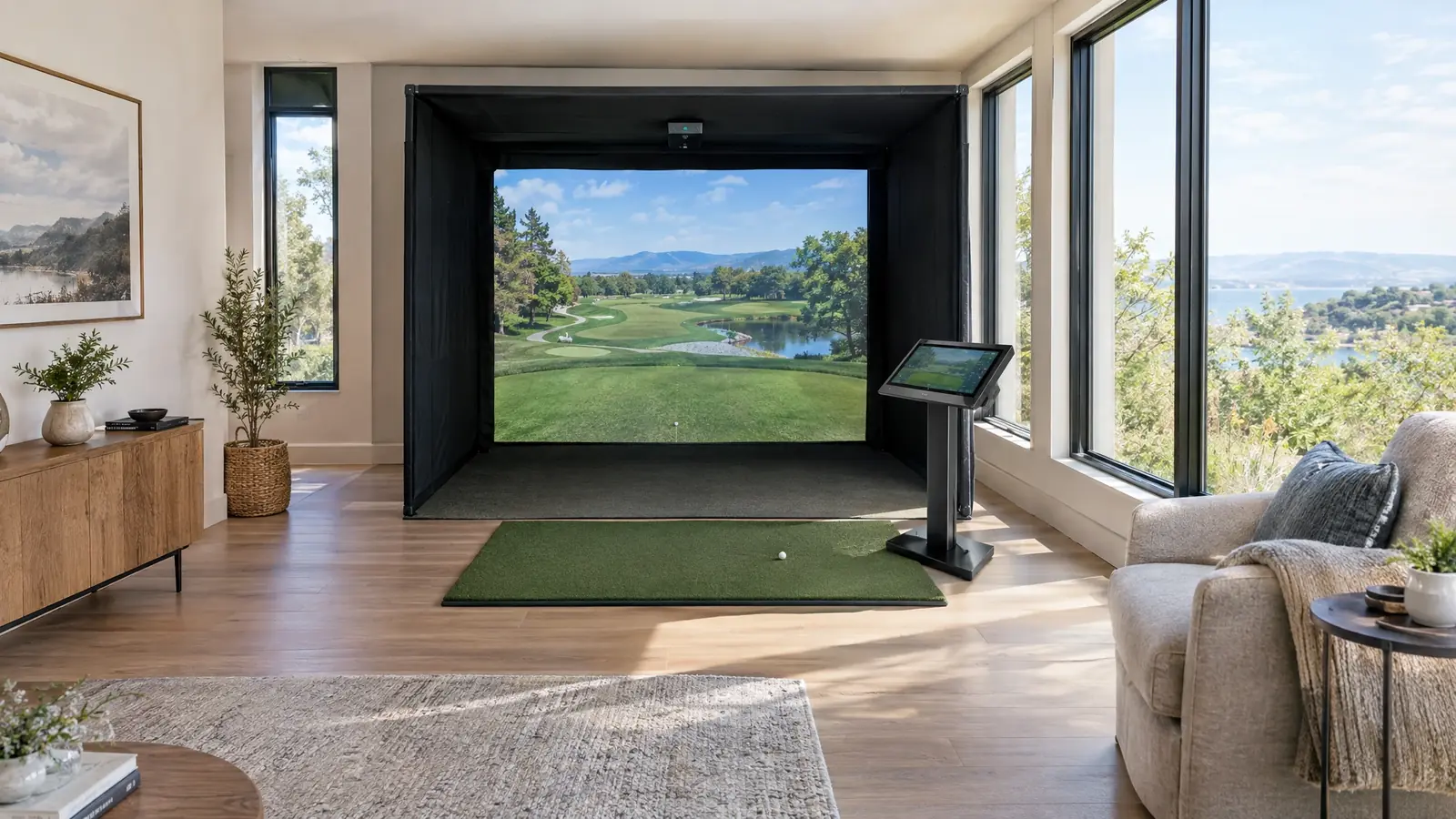
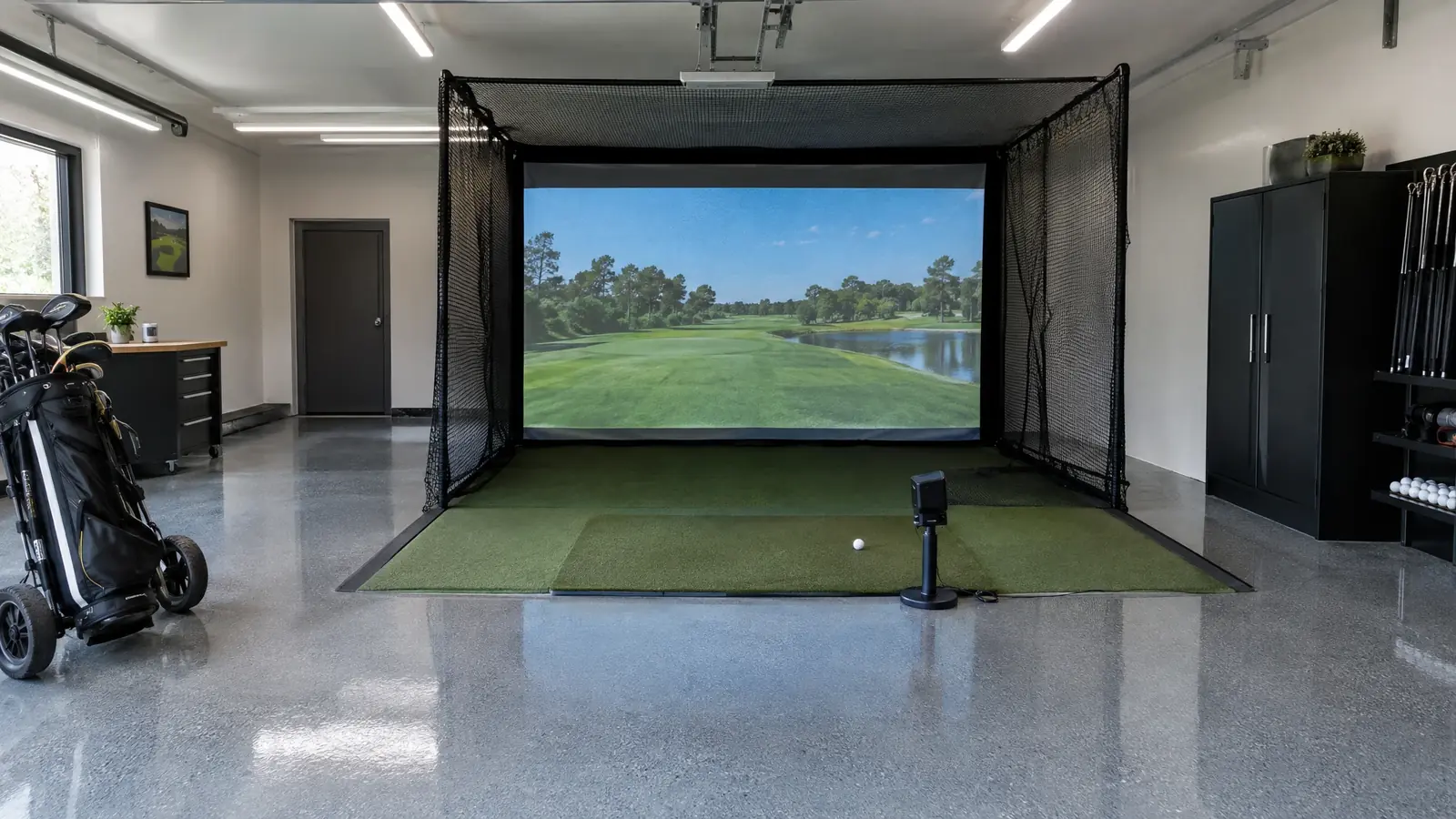
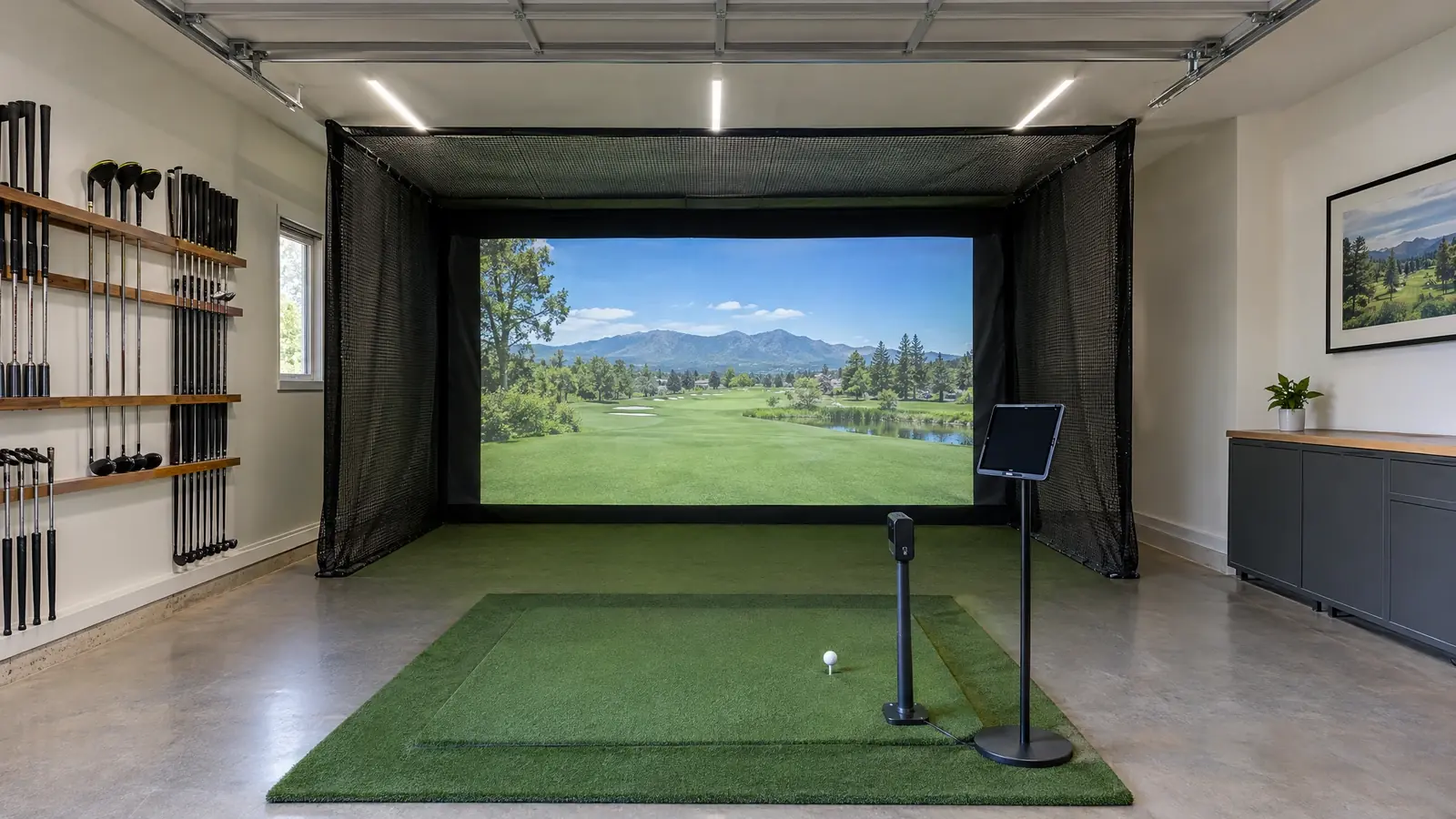
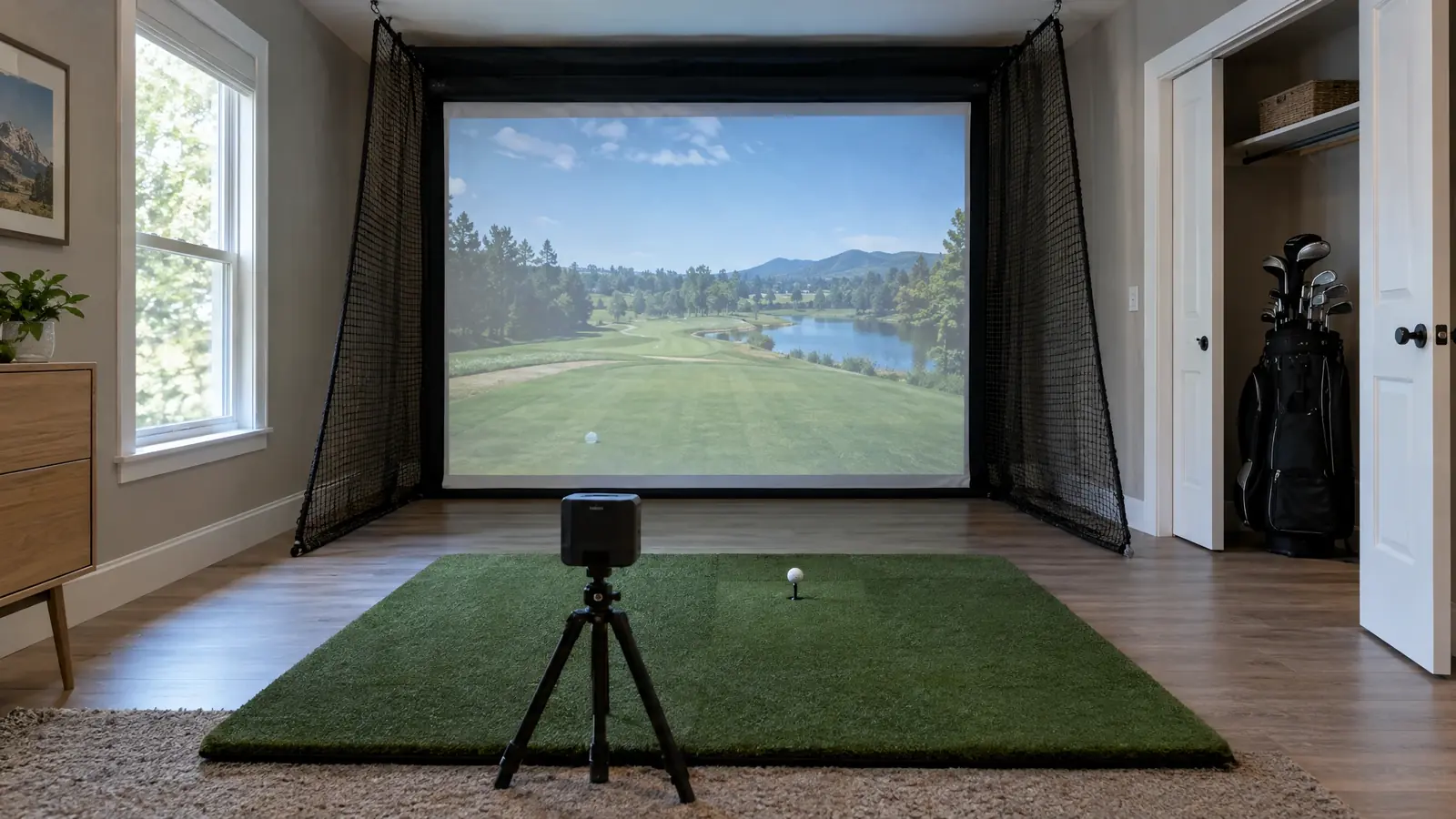
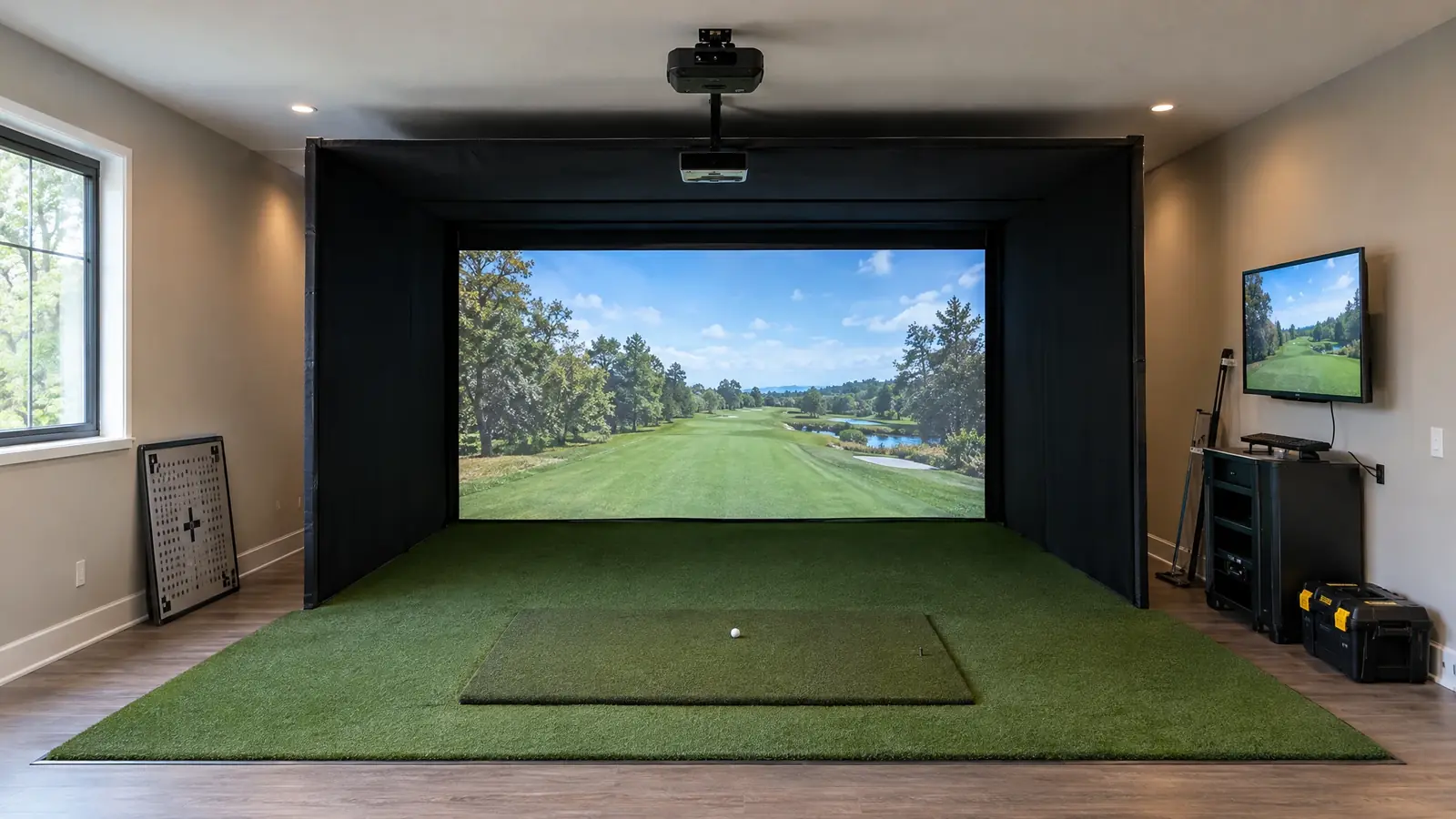
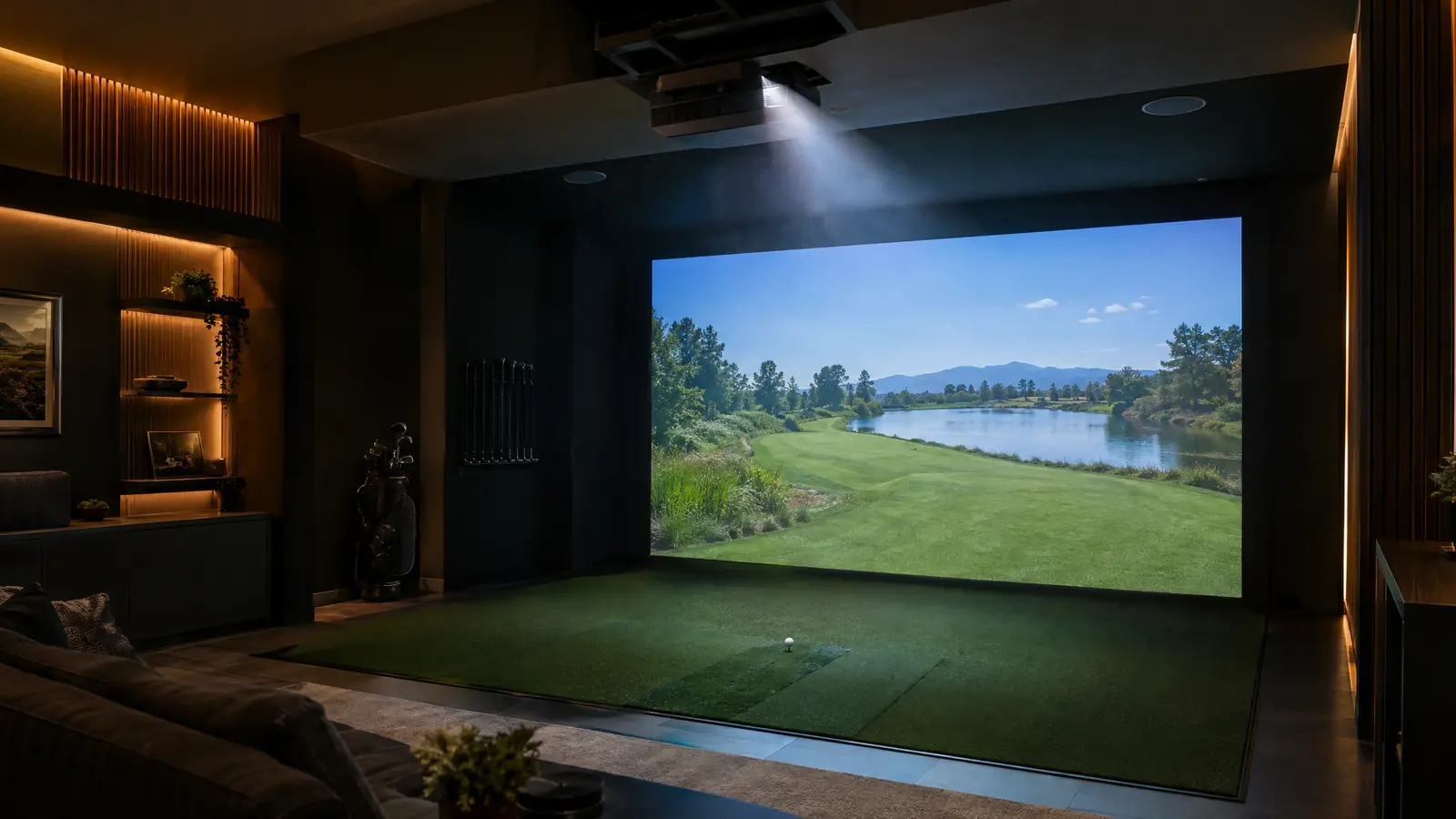
Garmin made launch monitors approachable. The Approach R50 pairs three high-speed cameras with a built-in 10-inch touchscreen, so you can start practicing or playing virtual rounds without a stack of cables and a separate computer.
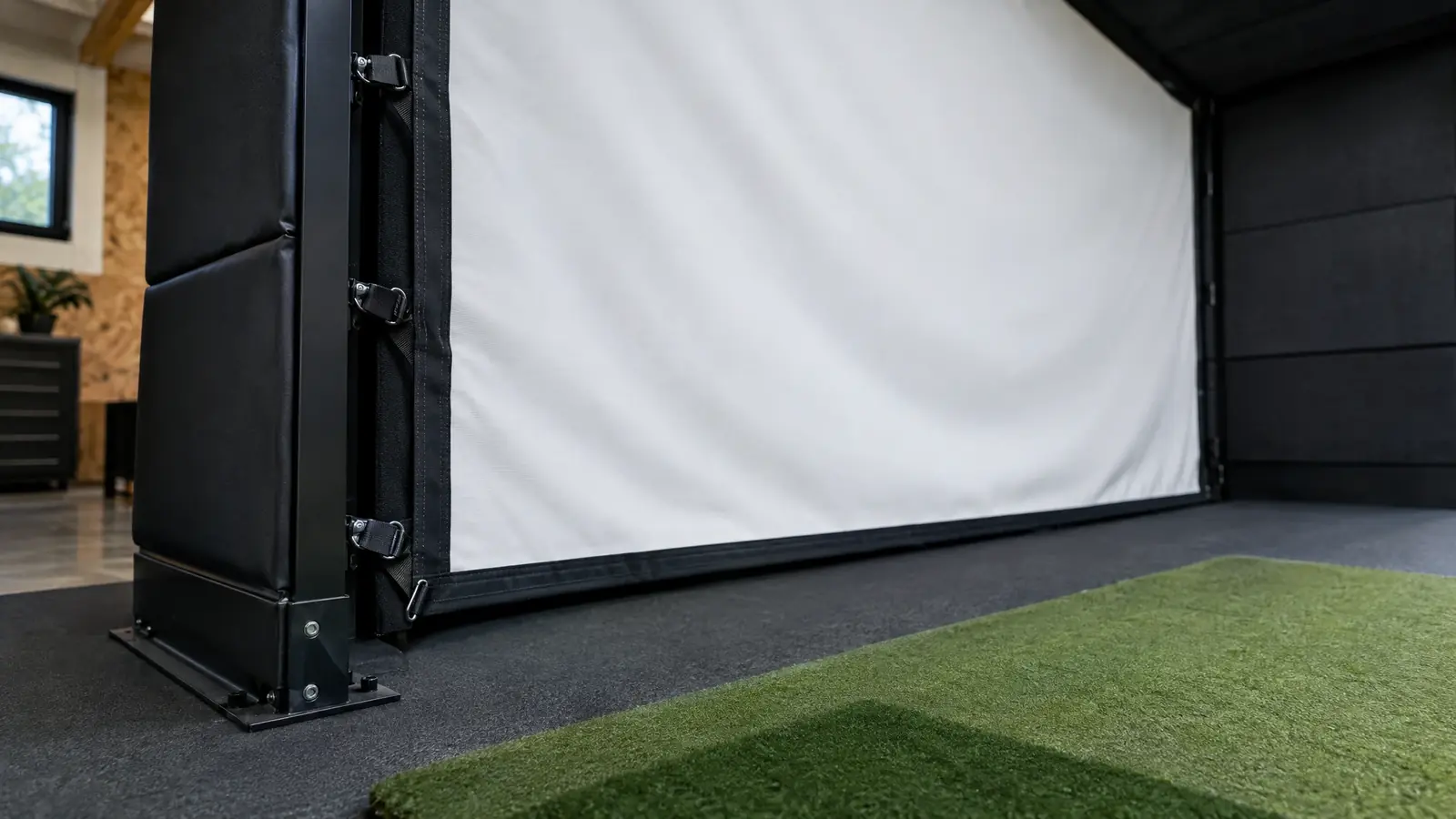
We turn that simplicity into a finished room: the right enclosure and screen for your space, a projector sized to the wall and a clean install so it looks as good as it plays. For smaller or outdoor-focused budgets, the R10 is a compelling radar companion.
Plug-and-play simplicity
A built-in touchscreen and a familiar app make setup and use easy.
A huge course library
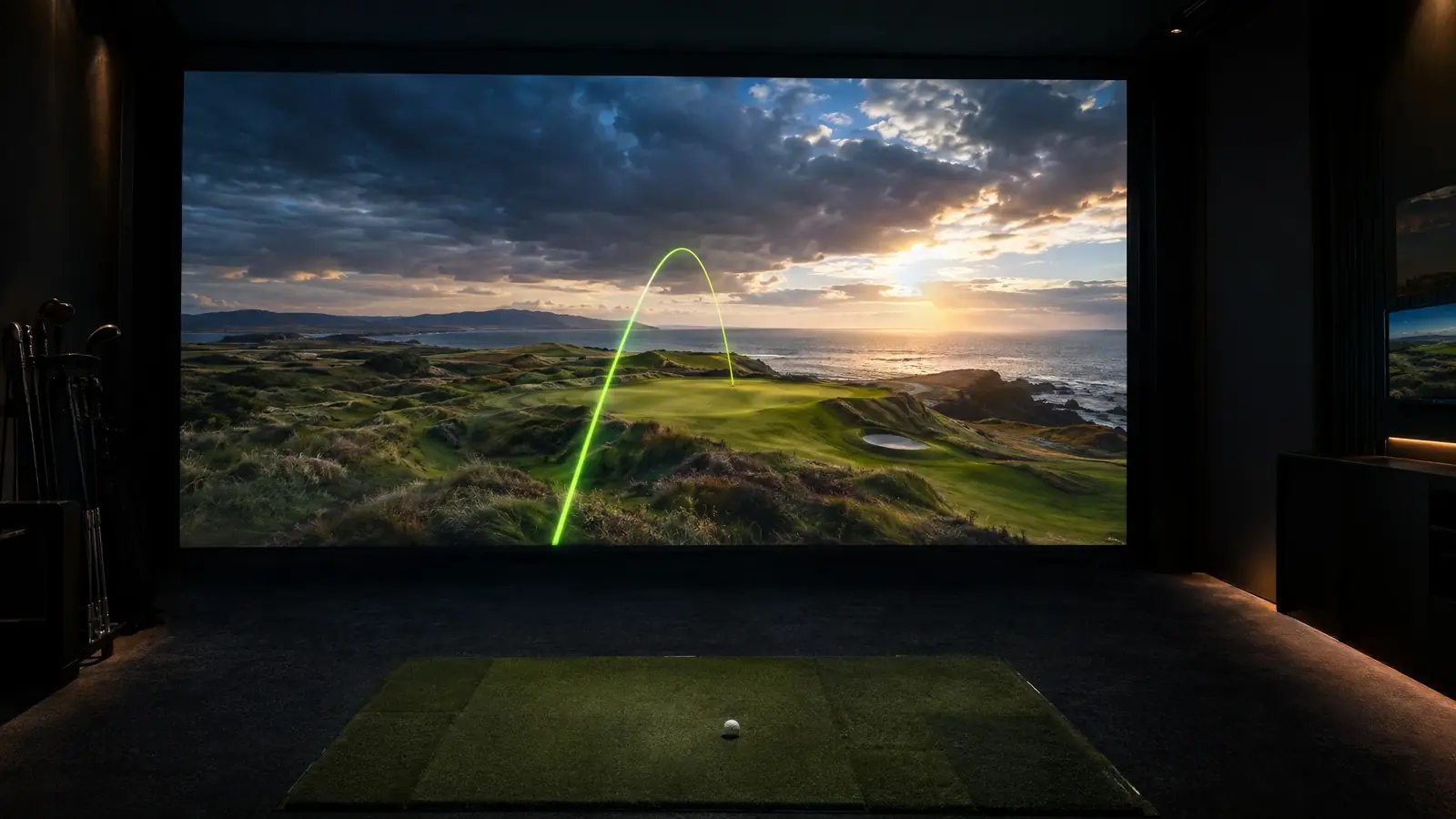
Access to a very large library of virtual courses through the Garmin Golf app.
Third-party options
The R50 can connect to simulation software such as Awesome Golf and E6 Connect.
Complete studio packages
Garmin offers studio packages, and we can build a custom bay to fit your room.
Top models
Garmin systems we install.
Specifications are summarized from the manufacturer’s published information and change as products evolve. We confirm current specs for your room before you buy.
Mid-range tier
Approach R50
Three-camera unit with built-in screen
The all-in-one premium home choice from Garmin.
Floor / stand Indoor & outdoor
Technology
Three high-speed cameras
Data
More than 15 metrics
Display
Built-in 10-inch touchscreen
Courses
Access to 43,000+ virtual courses through the Garmin Golf app
Connect
Works with third-party simulators such as Awesome Golf and E6 Connect
Value tier
Approach R10
Portable Doppler radar unit
The popular, affordable radar monitor for practice and casual play.
Tripod / stand Mainly outdoor, indoor possible
Technology
Doppler radar
Display
Pairs with a phone or tablet
Use
Lightweight and portable, best suited to outdoor use
Courses
Virtual rounds through the Garmin Golf app
The investment tier is a rough class only. Prices change with promotions and configuration, so we quote your exact build after your site assessment.
Our installation
How we install Garmin.
A calm, careful process from measurement to first shot.
1
Fit the footprint
We position the R50 or R10 and size the bay to your available space.
2
Build the room
Enclosure, screen, projector and flooring are installed and calibrated.
3
Connect your software
We set up the Garmin Golf app or compatible third-party simulators.
4
Teach the system
You get a hands-on walk-through of every mode.
Fit check
Will Garmin fit your room?
Ceiling height, depth and how permanent the bay will be decide which model works. Run the Room Fit Visualizer, or let us measure it for free.