
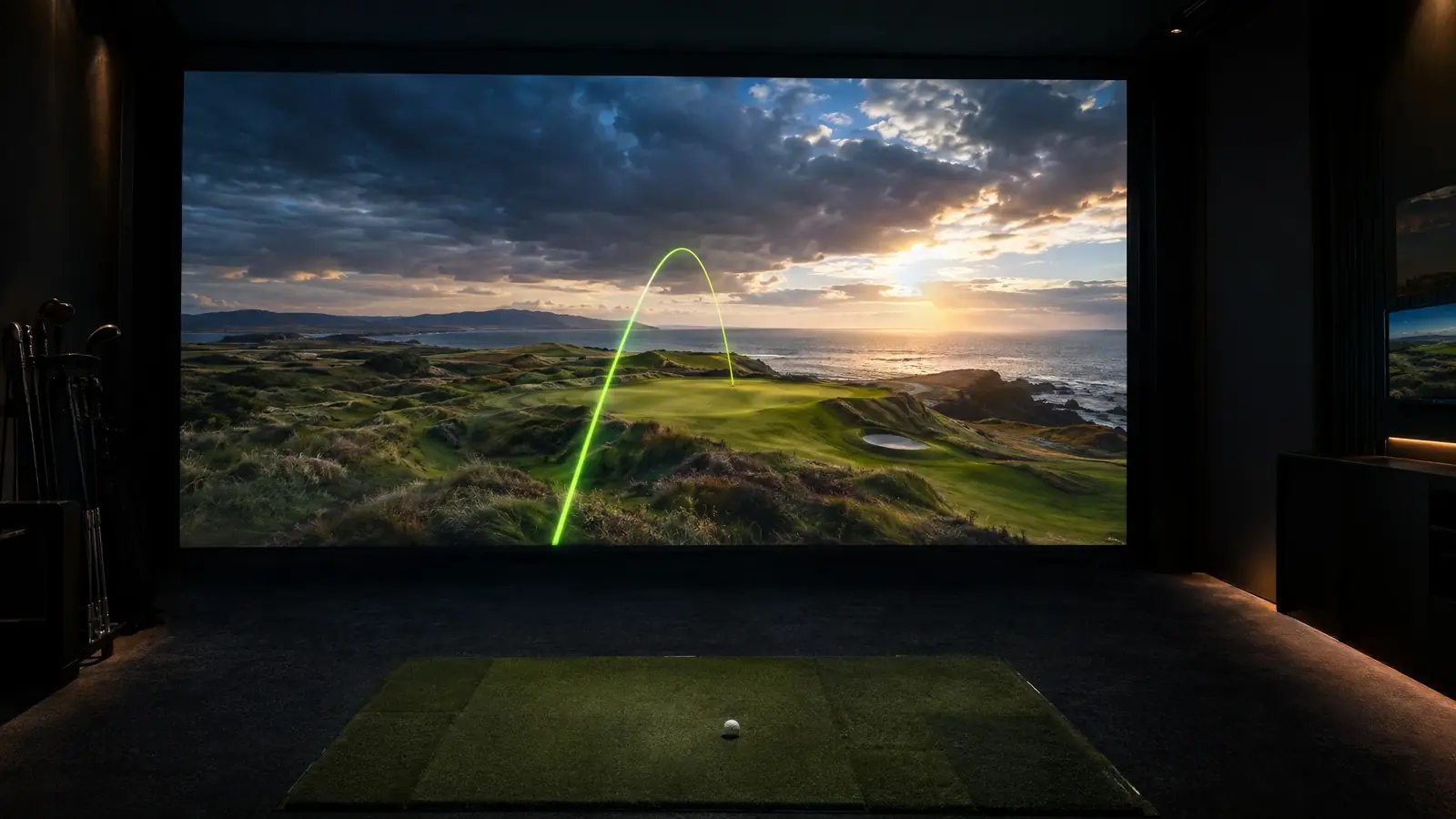
Trajectory Lab
in your browser.
Dial in ball speed, launch and spin and watch a physics-based shot fly, with carry, apex and landing numbers.
Planning figures and estimates are for guidance only. Product specifications are summarized from manufacturer information and may change. Your written quote is always exact.
Four steps, no signup.
Set ball speed
Drag the slider or choose a club preset.
Dial launch and spin
Change launch angle, spin rate and spin axis.
Watch the flight
A physics-based shot flies across the animated range.
Read the numbers
Carry, apex, flight time and landing angle update live.
Tips from our installers.
- Higher launch with lower spin usually adds carry, up to a point.
- Try the wind slider to see how conditions change the shot.
- This is a teaching model, so launch monitors will report slightly different numbers.
Ready to make it real?
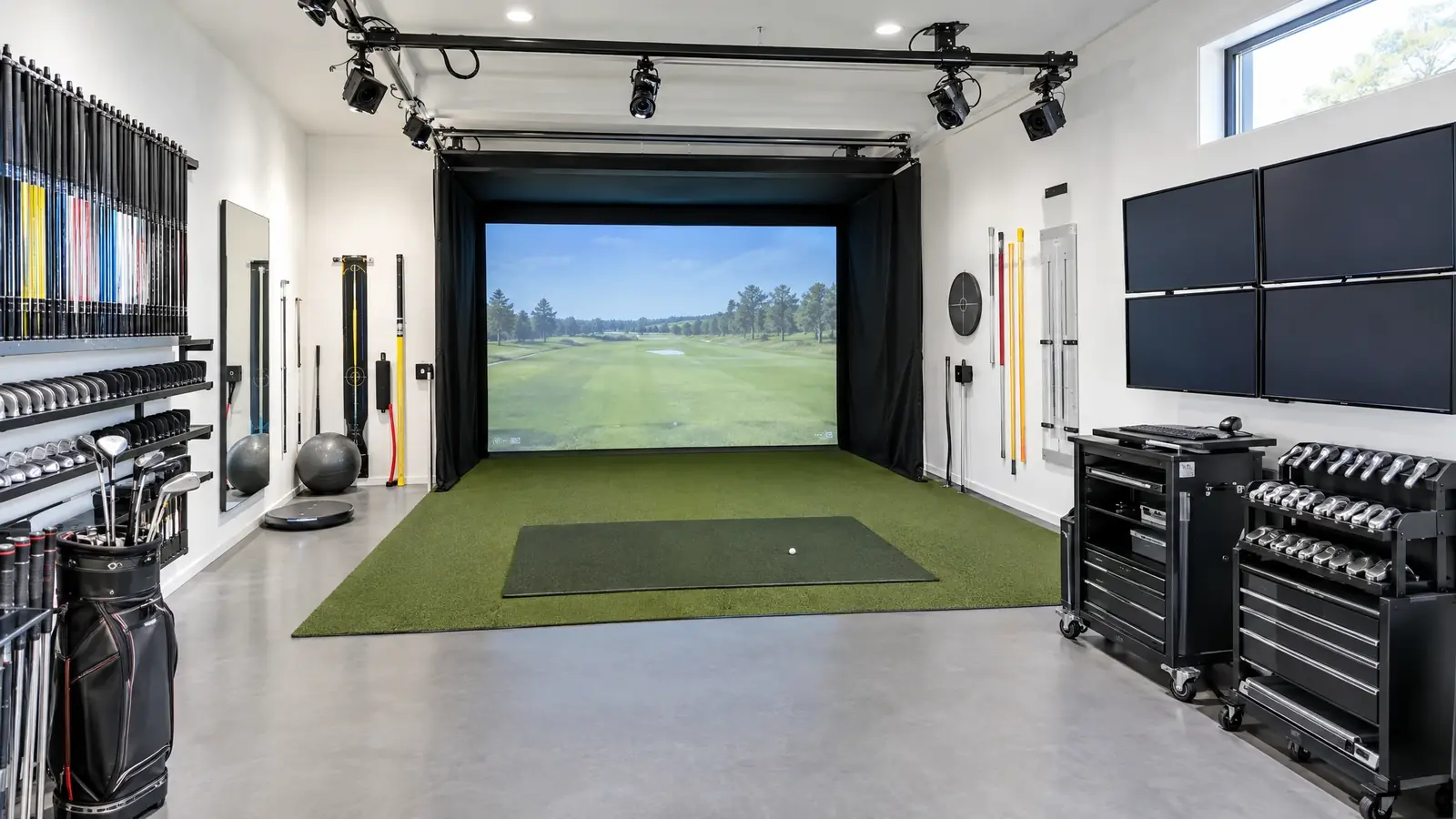 Instruction & Fitting StudiosFitting-grade tracking, swing video and a layout that makes lessons and fittings faster and better.Explore Software & CoursesWe set up the platforms that put thousands of courses, practice ranges and games on your screen.Explore
 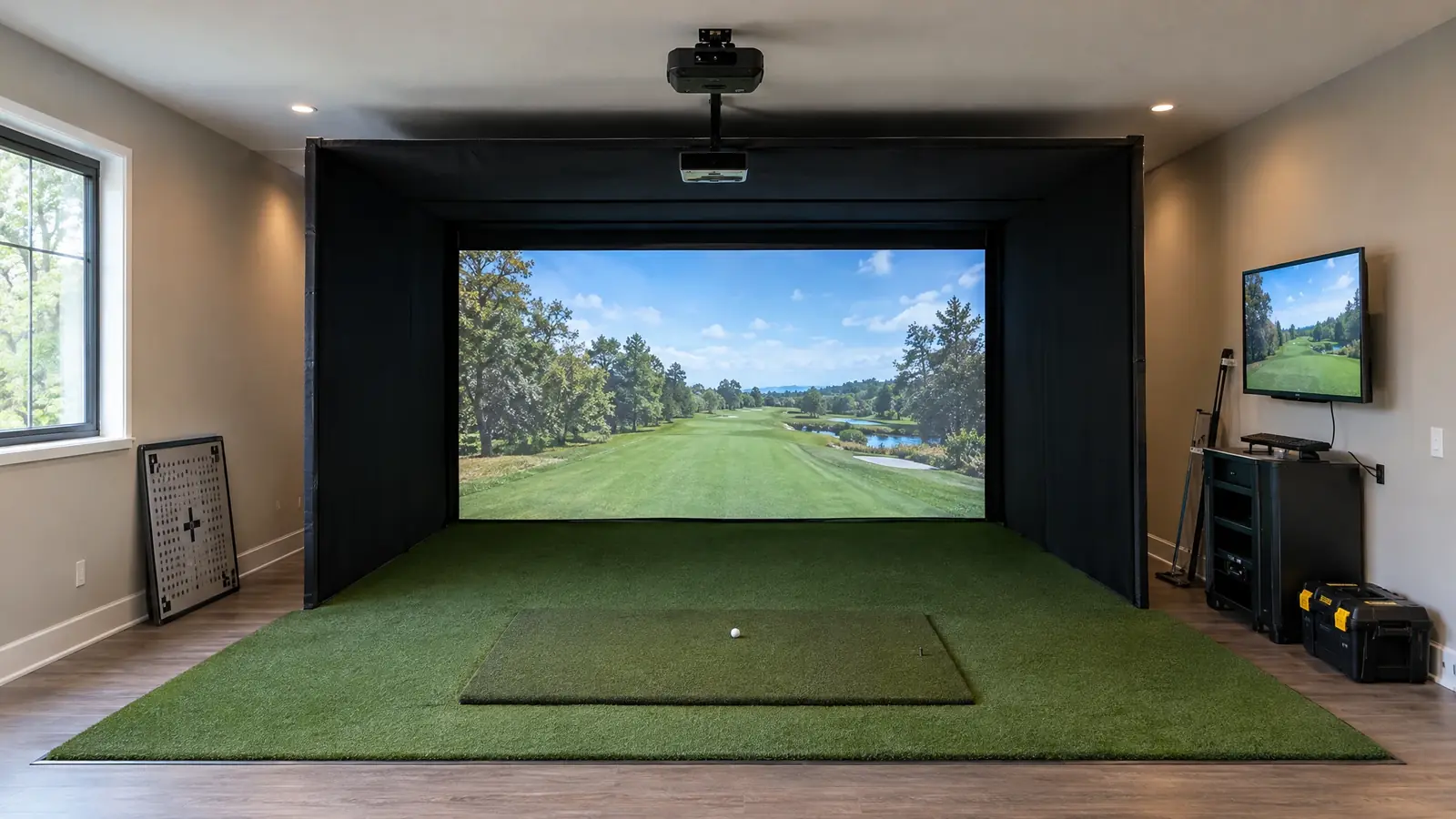 Simulator InstallationFrom the first measurement to the first drive down the fairway: one team builds, wires, calibrates and teaches.Explore
 Trajectory Lab FAQ.
Is the physics accurate?
It uses a simplified drag and lift model that is good for learning the relationships. Real launch monitors measure far more.
Why does spin change carry?
Spin creates lift. Too little drops the ball early and too much balloons it and robs distance.
Can this fit my swing?
Use club presets as a starting point, or bring your own numbers from a launch monitor.
Ready to play at home?
Free site assessment. Custom design. Clear pricing.