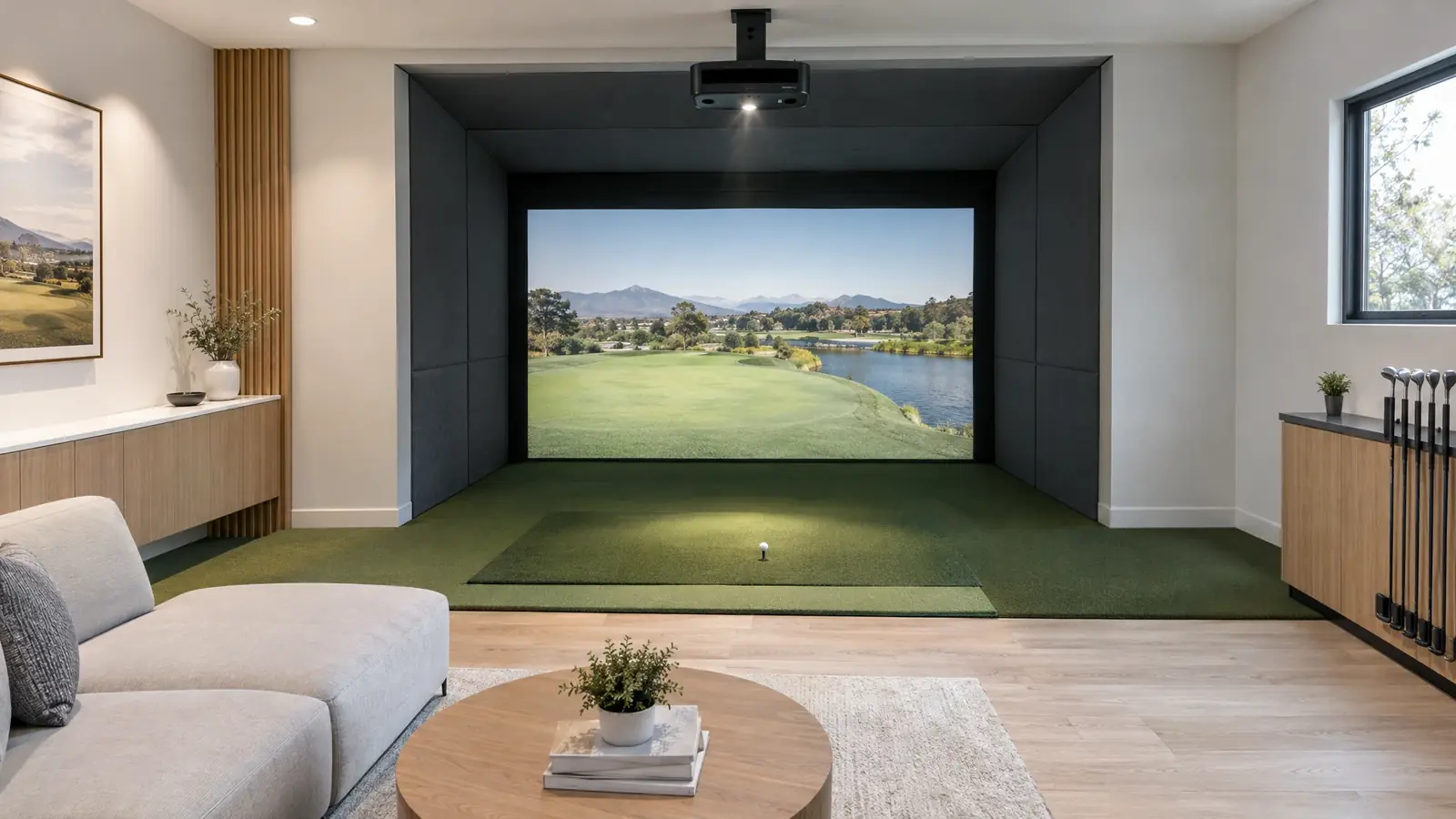
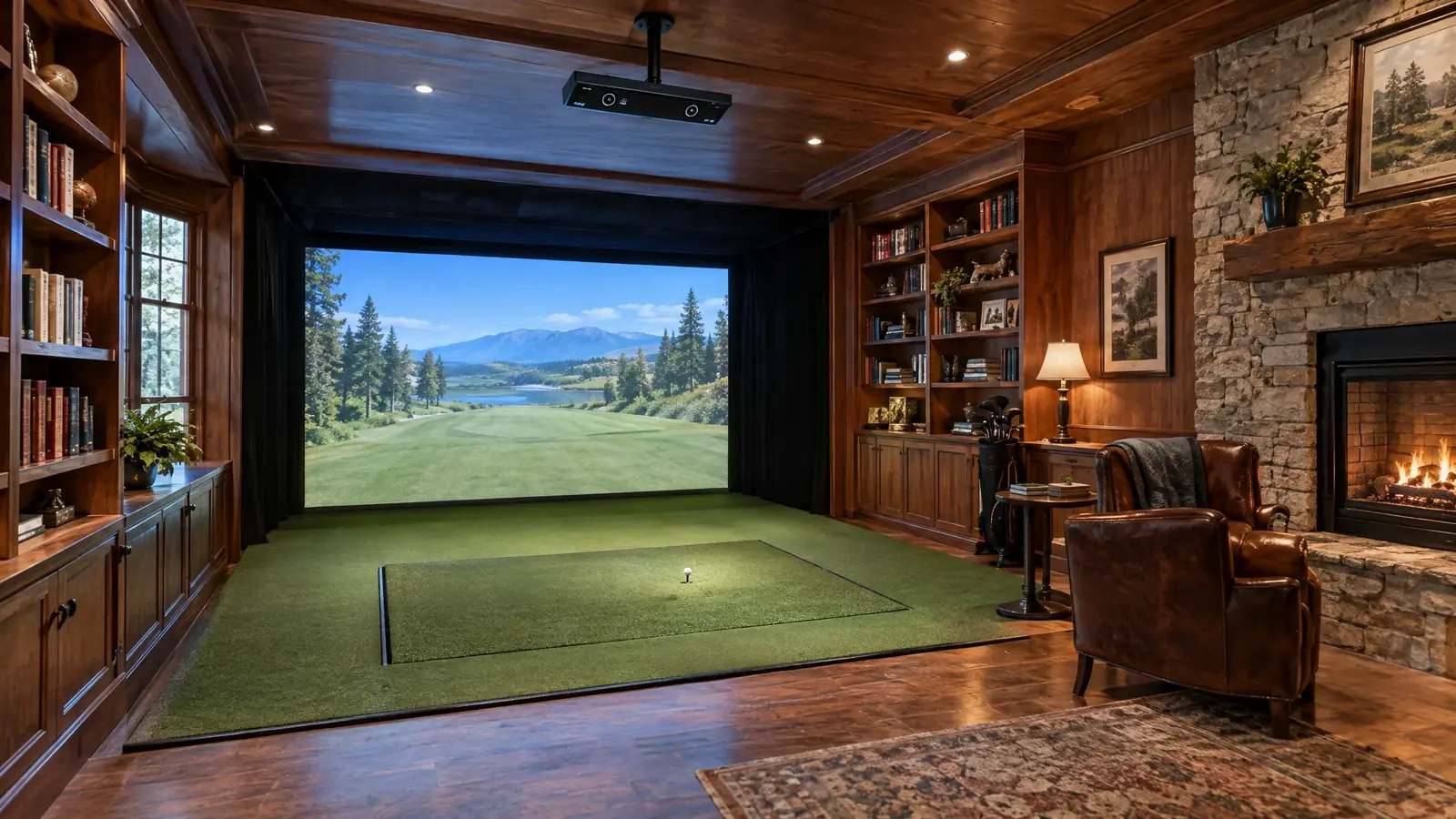
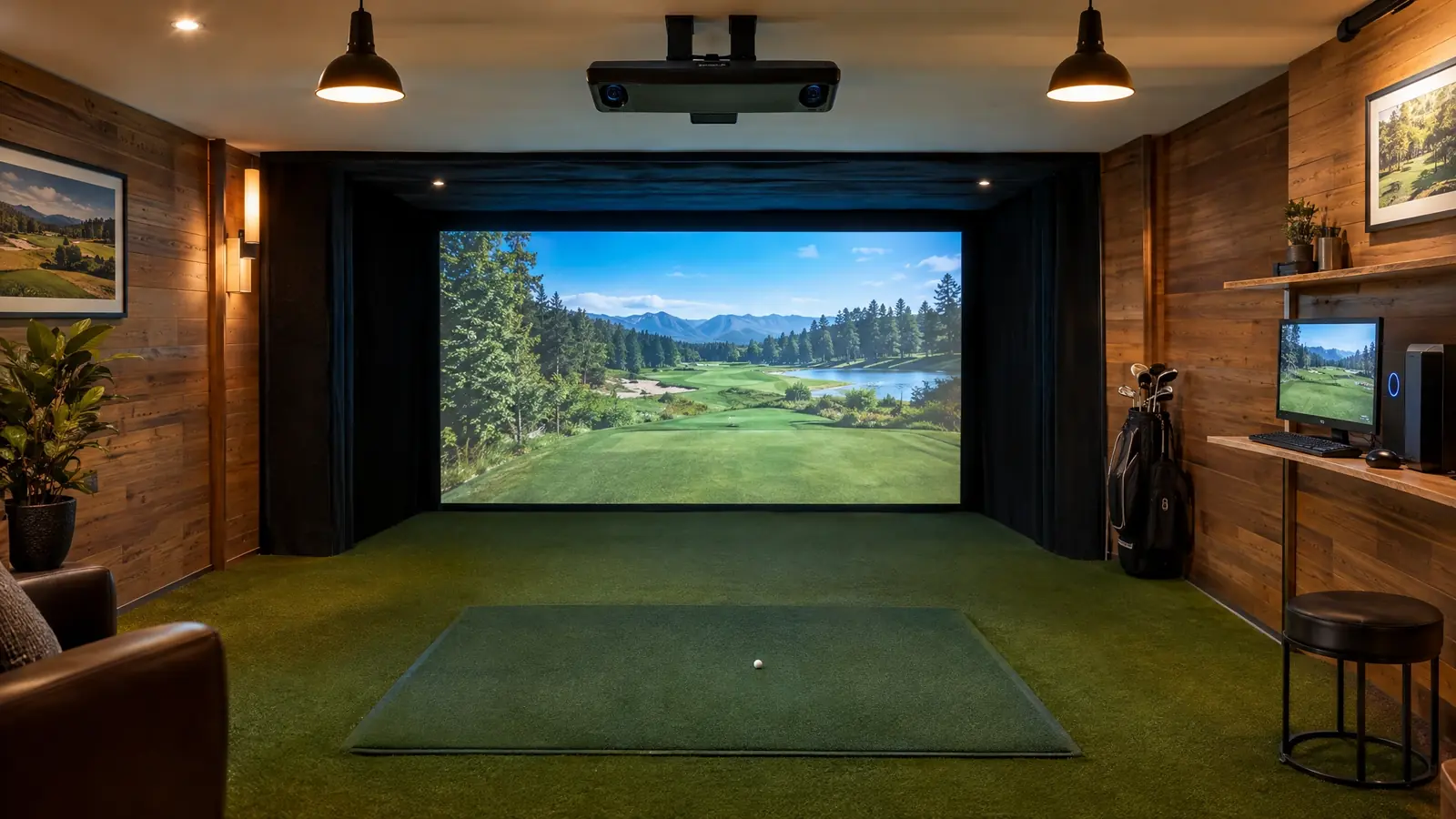
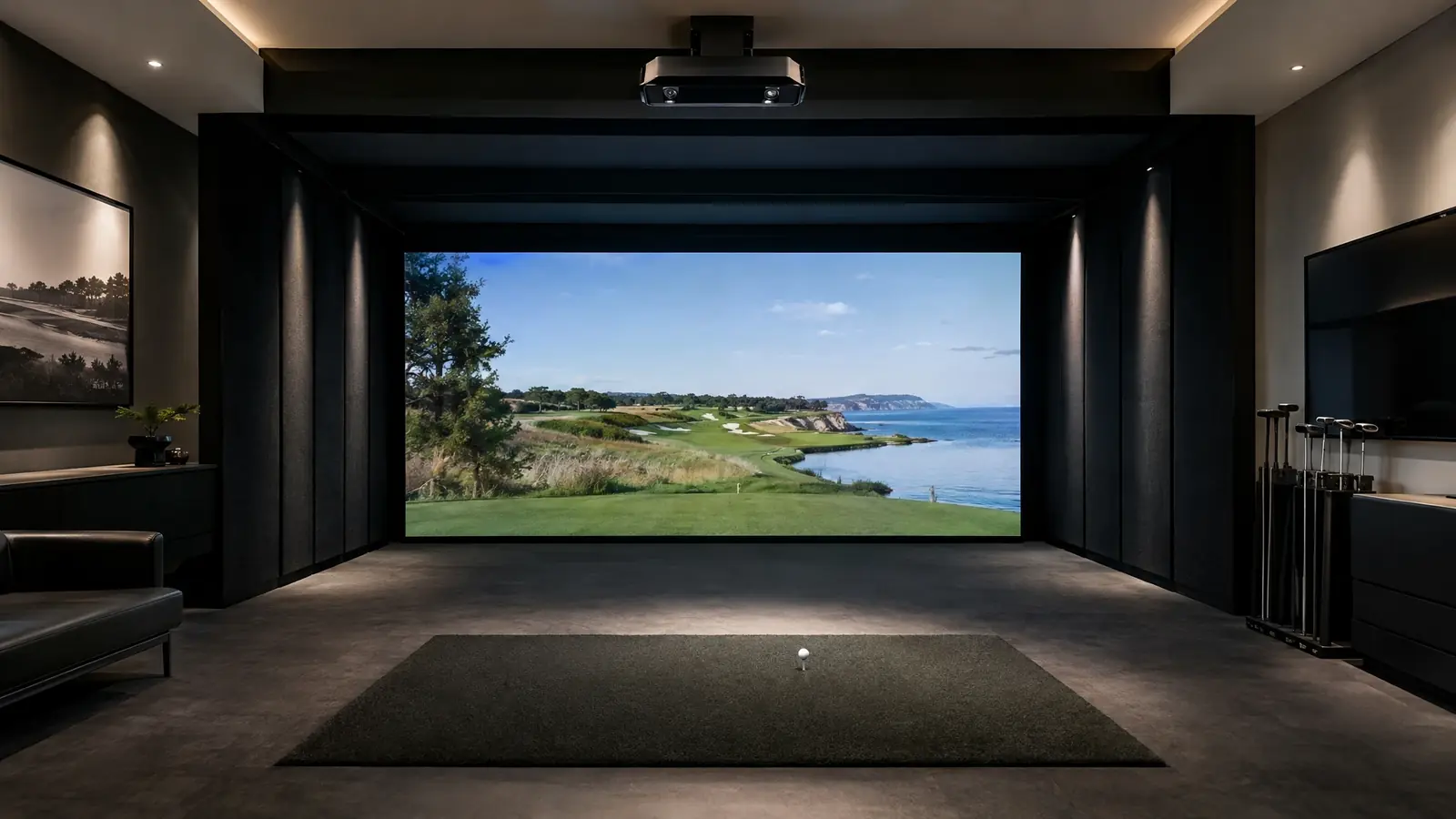
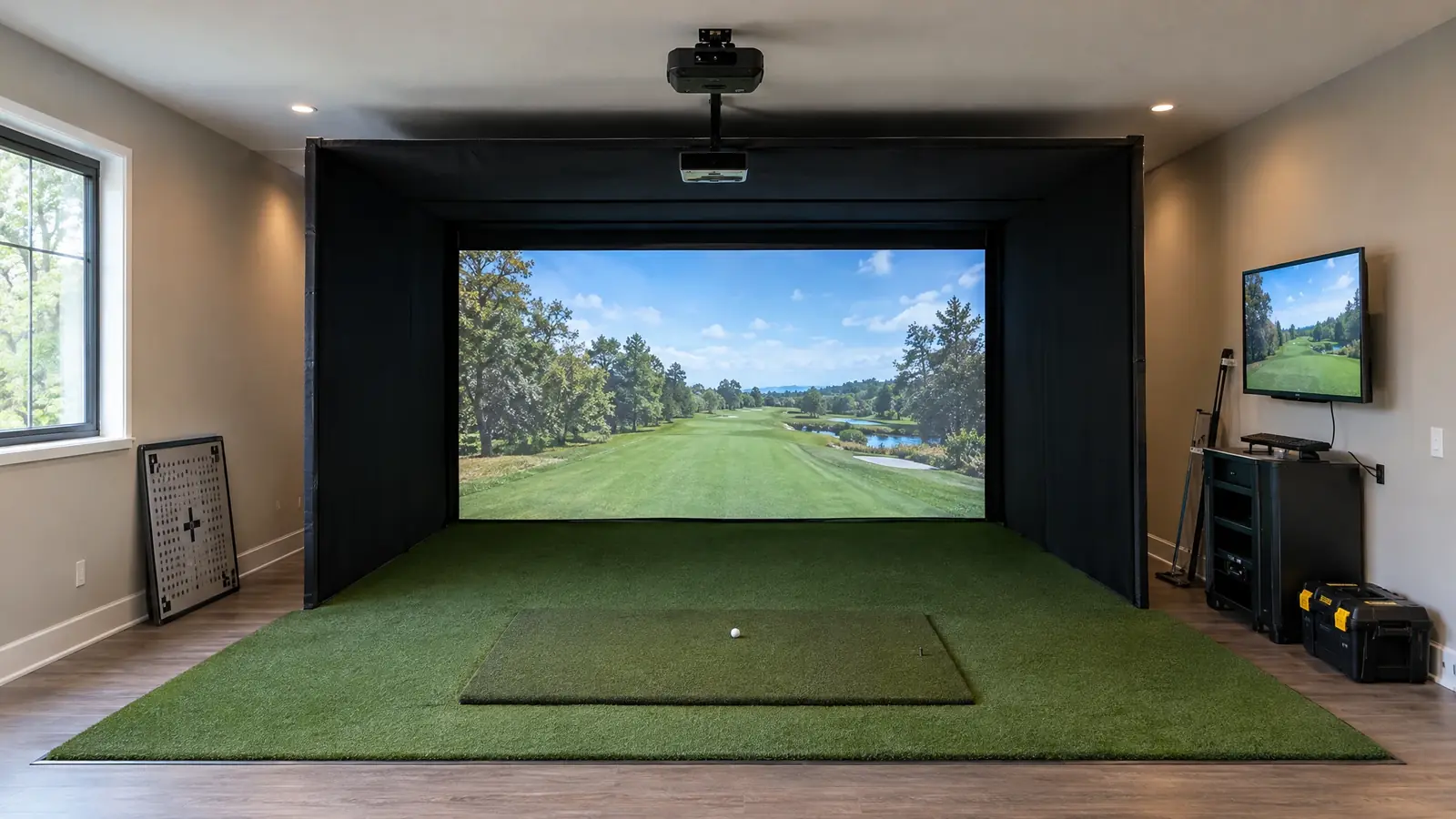
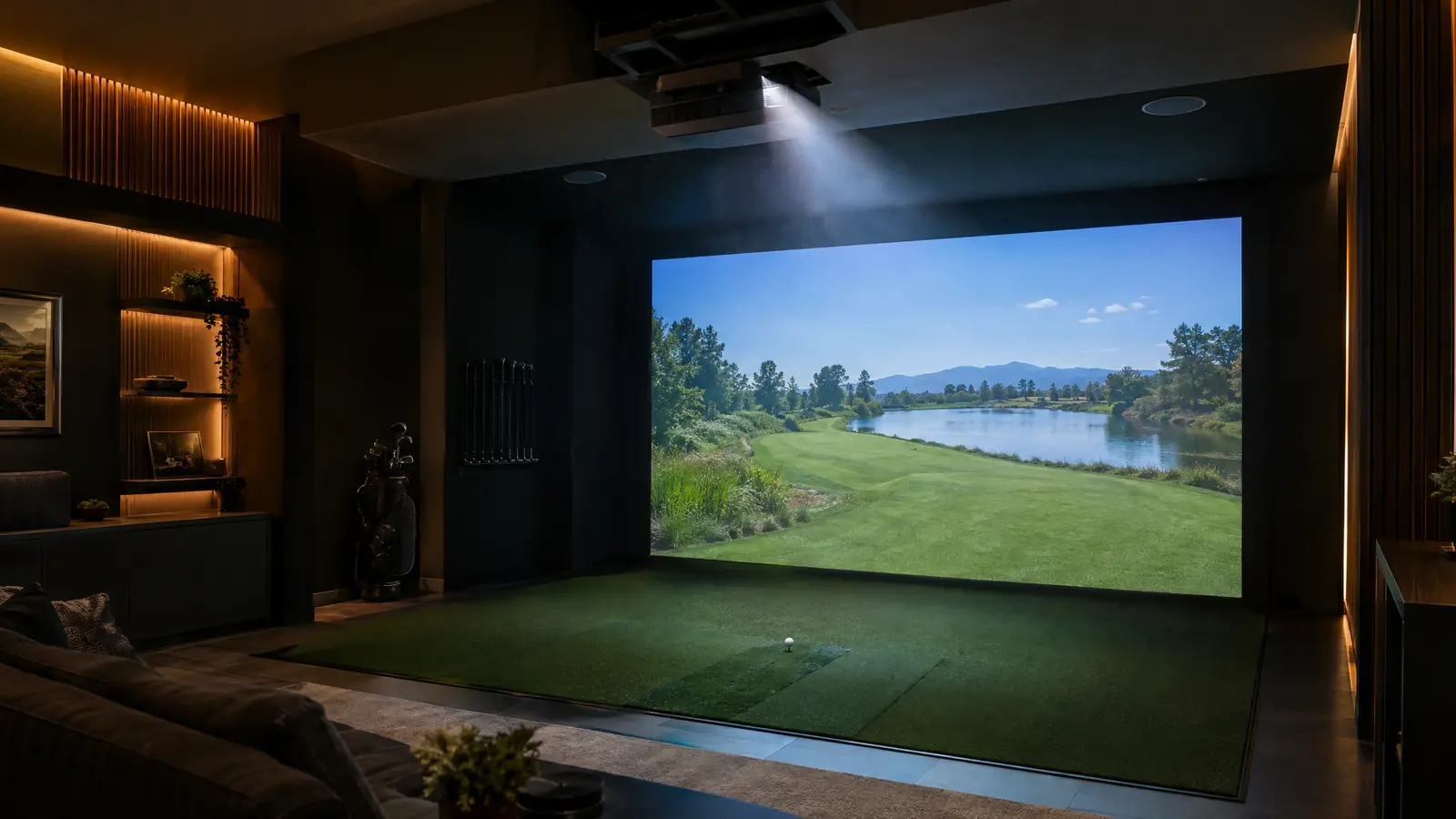
Golfin’s IDRA II is an overhead launch monitor that uses dual high-speed cameras and AI to capture ball and club data without stickers or special balls. A built-in spotlight helps with lighting in the hitting zone, and it works with popular software like GSPro and E6 Connect.
Golfin has also introduced the IDRA PRO, positioned above the IDRA II with additional camera-based detail. We help you choose, then design the enclosure, screen, projector and flooring for a polished, permanent bay.
Overhead and sticker-free
No club stickers and no marked balls required.
Built-in spotlight
A spotlight in the unit helps keep the hitting zone well lit.
Popular software support
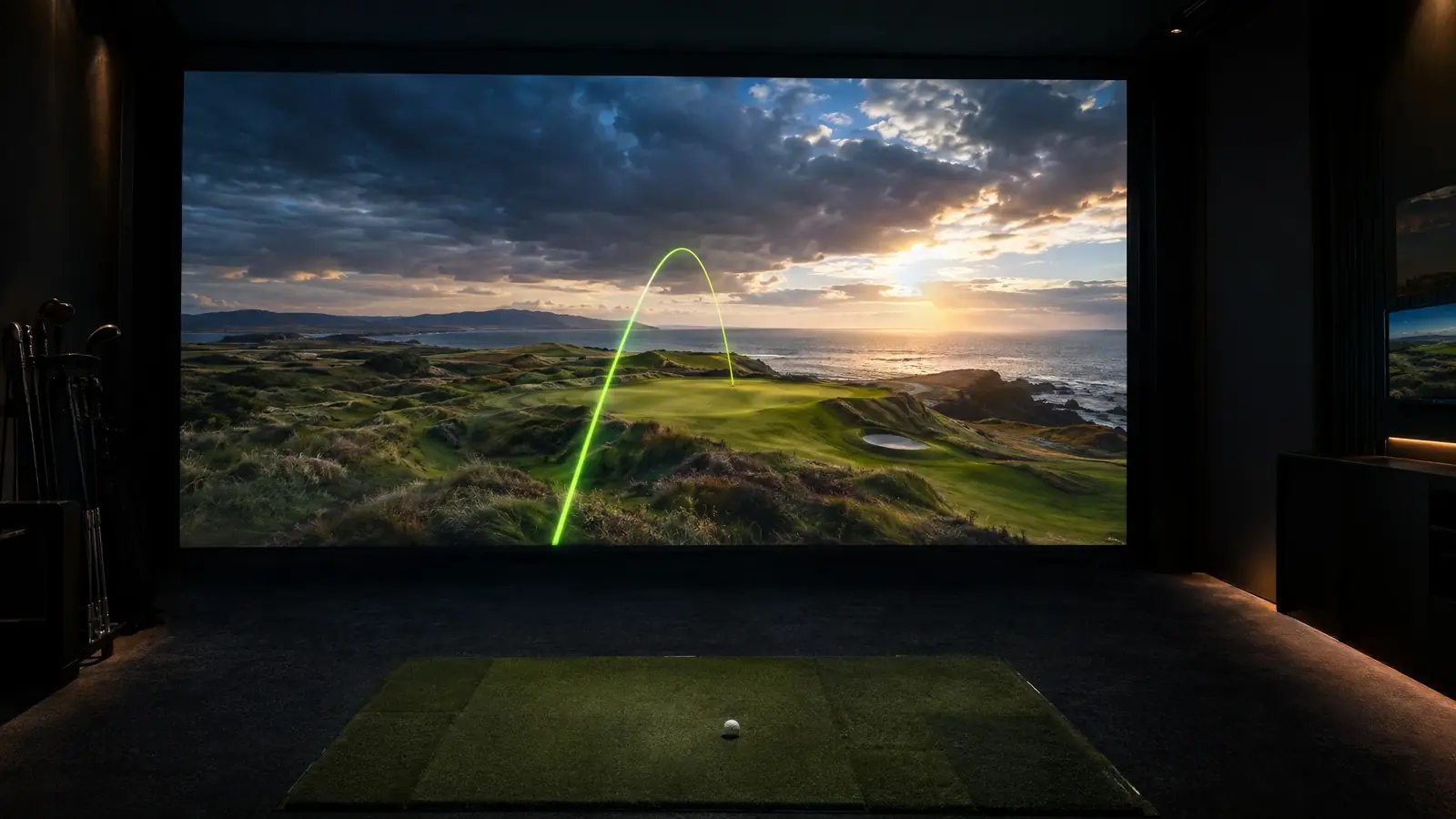
Works with GSPro and E6 Connect for a deep course library.
Warranty confidence
IDRA II carries a two-year warranty.
Top models
Golfin systems we install.
Specifications are summarized from the manufacturer’s published information and change as products evolve. We confirm current specs for your room before you buy.
Premium tier
IDRA II
Overhead dual-camera AI unit
The sticker-free overhead launch monitor for permanent bays.
Ceiling Indoor
Technology
Dual high-speed cameras with AI
Markers
No stickers required
Lighting
Built-in spotlight
Software
Compatible with GSPro and E6 Connect
Warranty
Two years
Elite tier
IDRA PRO
Overhead multi-camera unit (newly introduced)
The newly introduced step-up with added spin and club detail.
Ceiling Indoor
Technology
Multiple cameras for added spin and club-delivery detail
Markers
No stickers required
Status
Introduced in 2026; ask us for current availability
The investment tier is a rough class only. Prices change with promotions and configuration, so we quote your exact build after your site assessment.
Our installation
How we install Golfin.
A calm, careful process from measurement to first shot.
1
Confirm clearance
We verify ceiling height and joist layout for a clean overhead mount.
2
Mount and calibrate
Hardware is installed and calibrated to your hitting position.
3
Build the bay
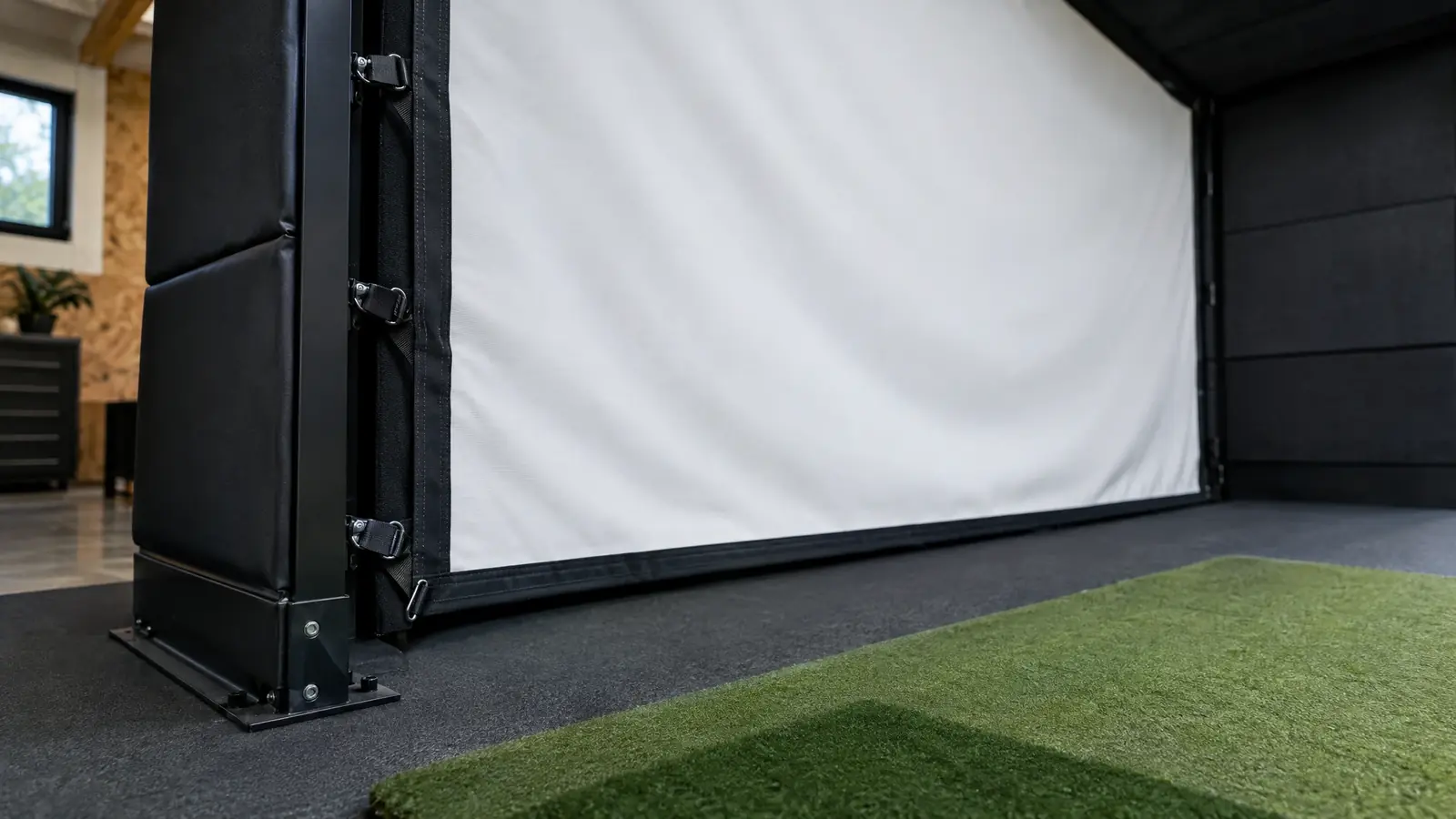
Enclosure, screen, projector and flooring are sized to your room.
4
Tune and teach
We tune software and teach your household or team.
Fit check
Will Golfin fit your room?
Ceiling height, depth and how permanent the bay will be decide which model works. Run the Room Fit Visualizer, or let us measure it for free.