
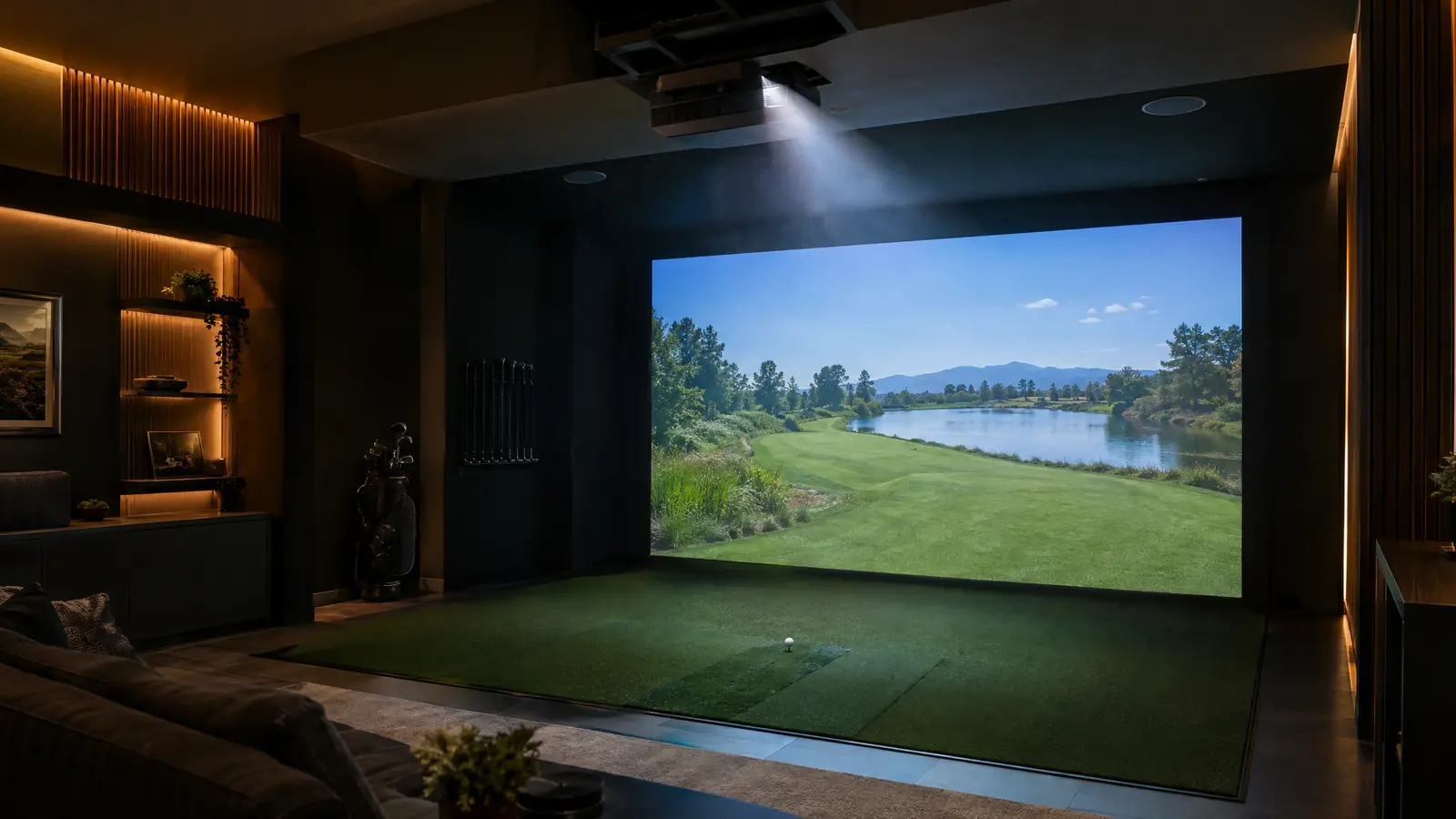
Projector & Screen Calculator
in your browser.
Enter throw distance and room width to size your screen and image, with a diagram of where the projector goes.
Planning figures and estimates are for guidance only. Product specifications are summarized from manufacturer information and may change. Your written quote is always exact.
Four steps, no signup.
Enter the room
Width and the distance from lens to screen.
Pick a throw ratio
Choose a preset or type your projector throw ratio.
See the image size
Image width, height and diagonal for 16:9 and other ratios.
Check the layout
A diagram shows where the projector and screen sit relative to the hitter.
Tips from our installers.
- Short-throw projectors can sit near the screen and out of the swing path.
- Ceiling height and mount position affect keystone and brightness.
- Control ambient light for the best picture.
Ready to make it real?
Projectors & AVBright, sharp, shadow-free projection and sound that make the course feel like it’s in the room.Explore 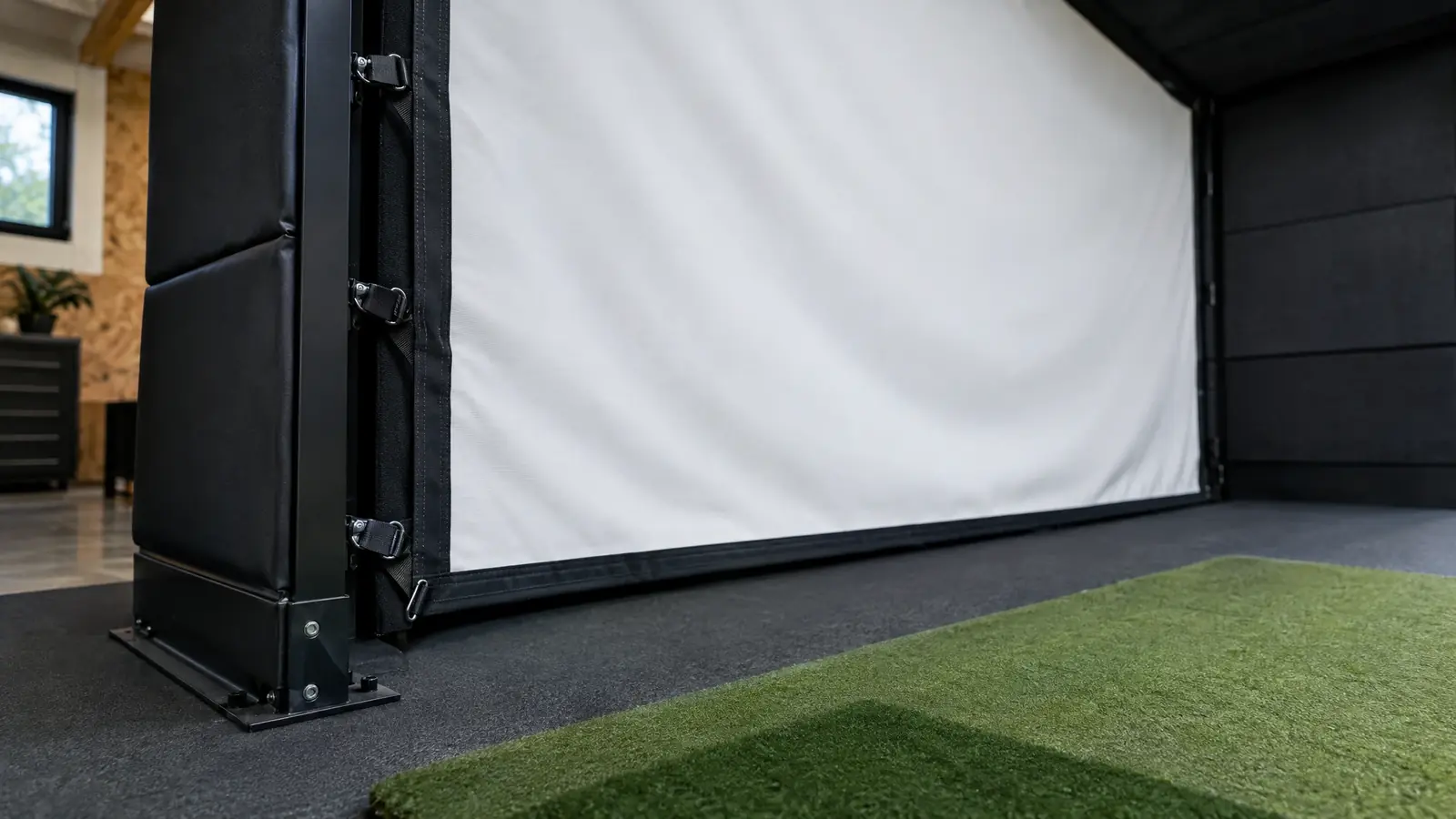 Enclosures & Impact ScreensCustom-fit frames, tension-mounted screens and padded surrounds that protect your room and look the part.Explore
 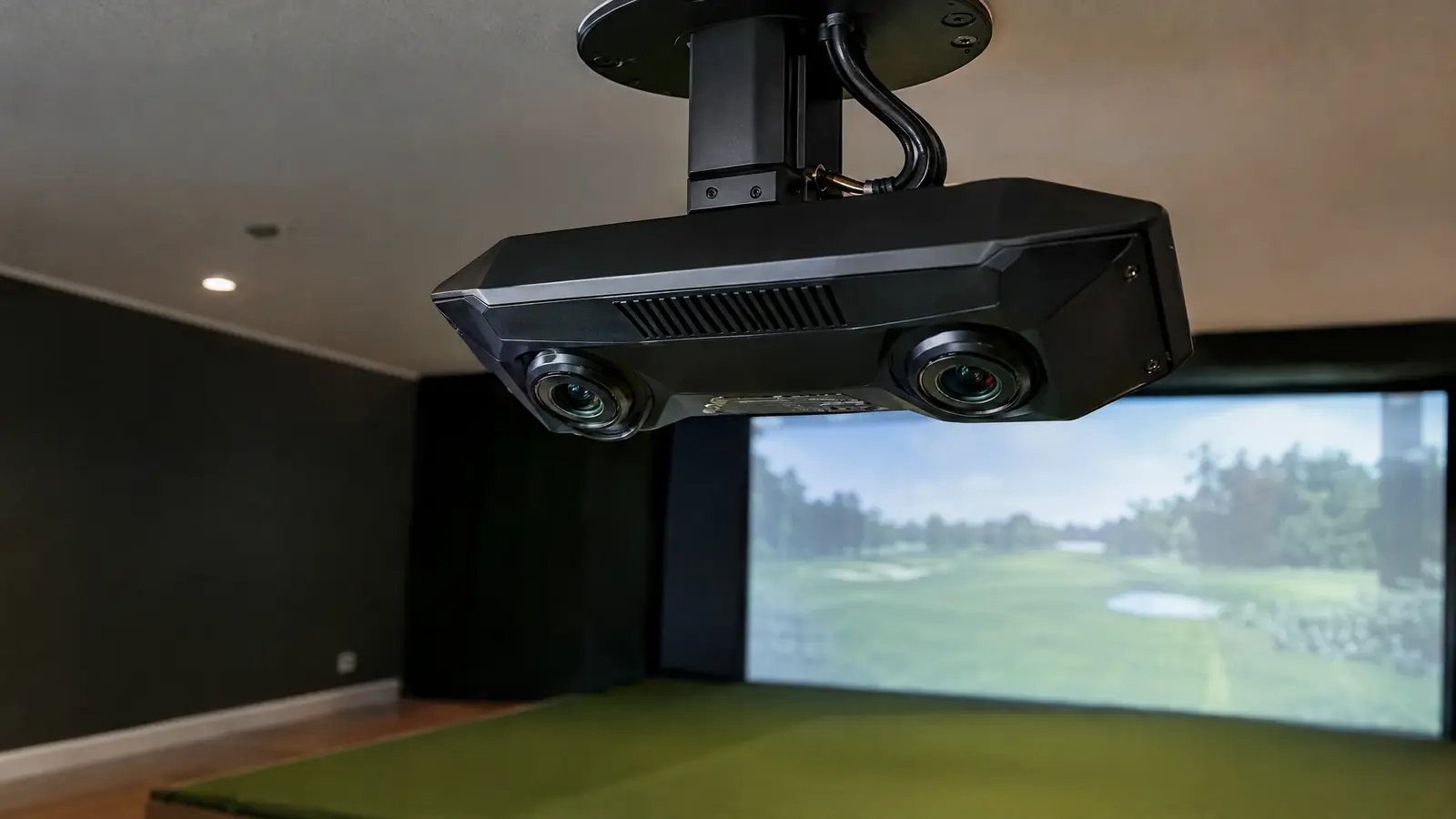 Launch Monitor InstallPrecise mounting, alignment and calibration for any of ten leading launch monitors and tracking systems.Explore
 Projector & Screen FAQ.
What is throw ratio?
It is the throw distance divided by image width. A lower ratio gives a bigger image from a shorter distance.
Which aspect ratio is best?
Many home bays use 16:9, while wider rooms may use 16:10 or 4:3 for more vertical room.
Do you supply projectors?
We design the picture and install the projector. We can recommend options for your room and budget.
Ready to play at home?
Free site assessment. Custom design. Clear pricing.